AI films need a story
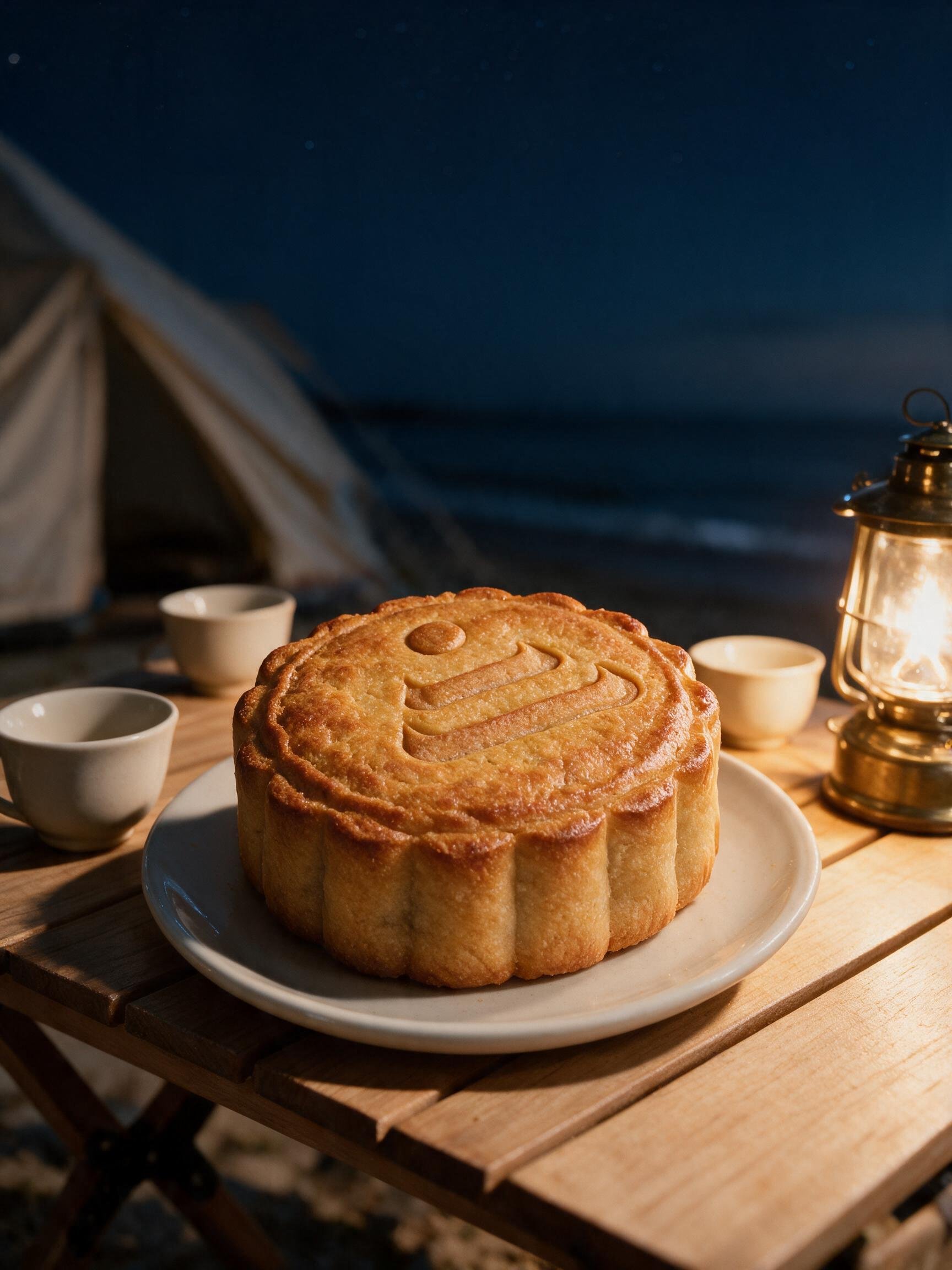
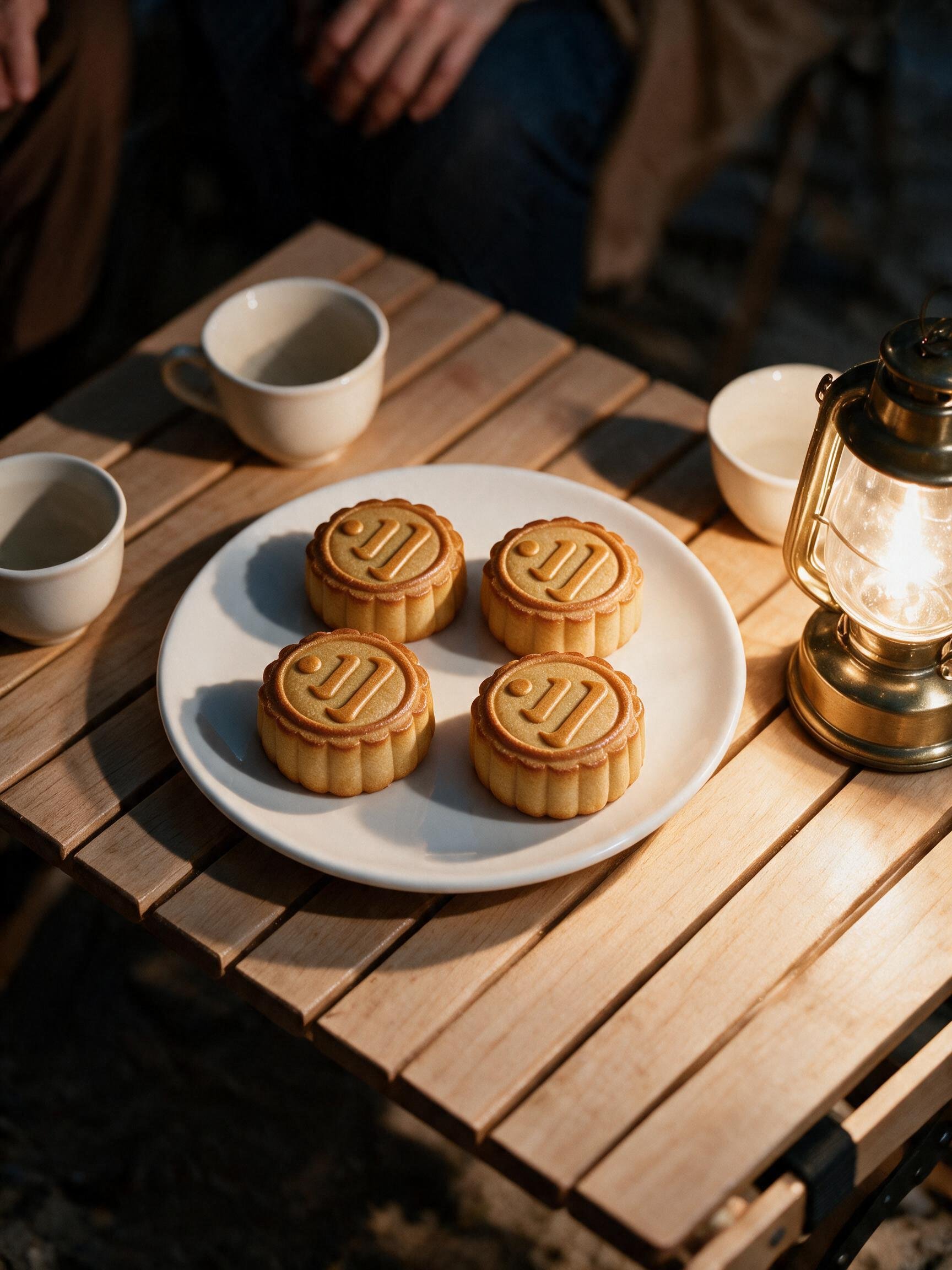
Finishing every shot only solved the visual problems. This ten-second test had mooncakes, friends, a full moon and the Venus mark. What it lacked was a reason to keep watching.
Many AI films online show only the strongest result. I wanted to document an actual attempt: how we moved from a Blender storyboard to an AI-generated film, and why I still was not happy with it.
A reunion story with a predictable ending
Three friends and the Venus mascot are camping by the sea. The mascot notices the moon, the friends look up, and the full moon becomes the dot in the Venus mark.
The concept had a clear beginning, ending and brand transition. But a complete idea is not necessarily an engaging one: the opening mooncake shot already gave away where the story was going.
Test the story in Blender, then generate each shot
I used blocks, spheres and simple cameras in Blender to build a fifteen-second storyboard. It let me check character positions, the moment they look up and the edit sequence. The blockout was a low-cost story test, not a beauty pass.
I then used Dreamina to develop the characters, campsite, mooncakes and moon, generating the story as short clips. Video references described the movement; image references established the look and atmosphere.
Better shots did not make a better story
We corrected oversized mooncakes, inaccurate logos, disappearing chairs and unnatural camera movement around the moon. Each fix brought the images closer to the brief.
The central problem remained: the characters mostly sat, smiled and looked up. The mascot pointed at the sky. The shots had a sequence, but the characters had no meaningful event, surprise or response connecting them.
If the rough cut is dull, more generations may only make a dull film look more polished.
What I would test before generating again
- 01
Start with an event. Give a character something to do that makes someone else react.
- 02
Give each shot one job. Avoid packing the setting, action and reaction into a single generation.
- 03
Watch the rough cut first. Even with simple blocks, ask whether you want to see the next second.
- 04
Finish brand details in post. Keep exact logos, typography and precise transitions in a controllable workflow.
Practical questions about AI brand films
- Why can an AI brand film feel dull?
- Attractive images do not replace an event. Viewers need to see what a character wants, what happens and how others respond.
- What does a Blender blockout help with?
- It tests cameras, positions, pacing and edits before generation, making story problems visible earlier.
- How can I keep a logo accurate in AI video?
- Reference images can guide a result, but they do not lock the logo geometry. For exact logos and typography, composite the original artwork in post-production.